
How to choose a graphics card in Morocco
Resolution, VRAM, PSU requirements, dimensions and local prices: what to check before buying.
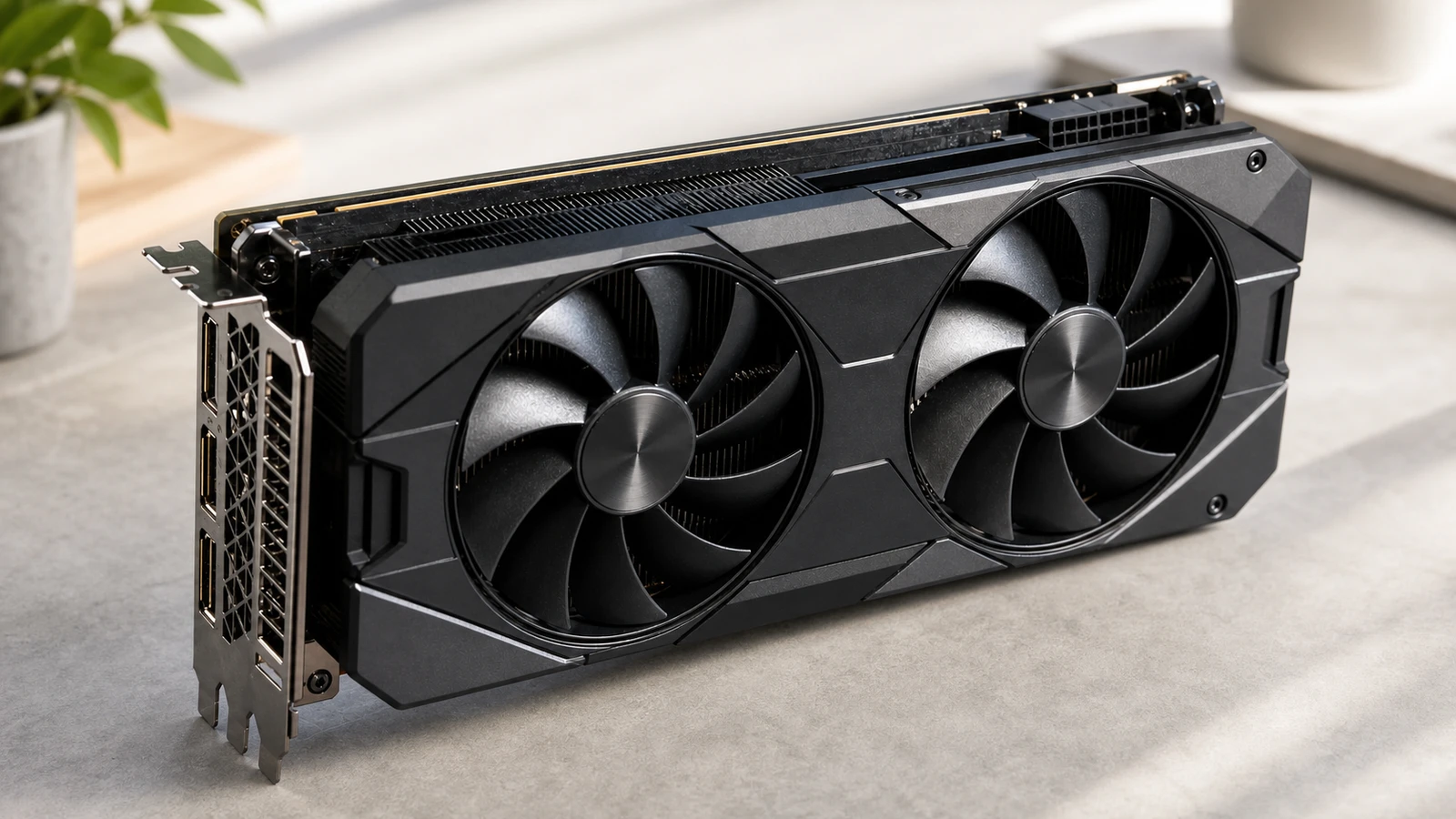
Verdict: choose a GPU for your display, then check the exact model
Start with the games you play, your target resolution and display refresh rate. Compare performance in those workloads, then check VRAM, power consumption, connectors, physical dimensions and finally the price actually available in Morocco.
There is no universally ideal VRAM capacity or GPU model for a given resolution. Requirements vary by game, settings, textures, ray tracing and software.
A checklist that lasts longer than any list of GPU models
New GPU generations and promotions change quickly. Use this checklist to compare two cards regardless of their release year.
| Question | What to check | Why it matters |
|---|---|---|
| Your display? | 1080p, 1440p or 4K, plus target refresh rate | Sets the graphical workload and expected performance level |
| Your games or apps? | Benchmarks for the same game, resolution and comparable settings | Avoids generalizing one result to every workload |
| Video memory? | VRAM capacity and behavior in your own games | Needs depend on textures, resolution and game engine |
| Case and power supply? | Exact card dimensions, power requirements and connectors | Avoids physical or electrical incompatibility |
| Local price? | Current offer, retailer, stock and last-update date | The best choice changes as Moroccan prices change |
VRAM and compute units: avoid misleading comparisons
Do not directly compare NVIDIA CUDA Core counts with AMD Compute Units, or treat core counts across different architectures as equivalent units of work.
For VRAM, use measured behavior and observed limits in your actual games or apps instead of a rigid rule for each resolution. Also compare native rendering performance, image quality, power use and the features that matter to you.
Rendered FPS, frame generation and latency are separate metrics
Frame generation inserts generated frames between frames rendered by the game engine. It can make motion look smoother, but displayed frame counts should not be presented as if they were all natively rendered FPS.
Latency is a separate measurement. NVIDIA pairs DLSS Frame Generation with Reflex in compatible configurations and games to help reduce system latency. When comparing GPUs, assess rendered performance, frame-generation features and measured latency separately.
Benchmarks are useful only if you know whether frame generation, upscaling and ray tracing were enabled. Record these settings before comparing two FPS figures.
In Morocco, use current listings instead of fixed price bands
PCBuilder tracks offers from listed retailers, but an editorial recommendation is not a substitute for verifying the offer available today. Open the catalogue to compare the exact model, retailer, availability and last-update date. When data exists, use the Trends page to put a price into historical context.
Power, connectors and clearance: read the exact card's specifications
Power requirements and connectors cannot be reliably inferred from a GPU's marketing name alone. Check the card manufacturer's specifications for the exact model you are buying, then measure the available space in your case with the fans and radiators actually installed.
For example, AMD specifies 8 GB GDDR6, typical power of 132 W, a recommended minimum 450 W PSU and one 8-pin connector for its reference Radeon RX 6600. Partner models may differ in dimensions and design, so the exact card's datasheet remains the authority for physical clearance and connectors.
Sources et méthodologie
Les exemples techniques sont vérifiés sur les pages officielles des fabricants. Les recommandations de résolution, de VRAM et de rapport prix/performance restent des jugements éditoriaux dépendants du jeu, des réglages et du prix local. PCBuilder ne fige donc pas un tableau de “GPU idéaux” : les offres marocaines sont à vérifier dans le catalogue actuel et, lorsque disponible, dans l’historique de tendances.
- Source primaire : AMD Radeon RX 6600 — spécifications officielles — AMD. Documente notamment 8 Go de GDDR6, 132 W de consommation typique, une recommandation PSU de 450 W et un connecteur 8 broches pour la carte de référence.
- Source primaire : NVIDIA DLSS et Frame Generation — NVIDIA. Décrit les fonctions DLSS, dont la génération d’images, et leur association avec NVIDIA Reflex sur les configurations compatibles.
- Méthodologie PCBuilder : Méthodologie de relevé et suivi des prix — PCBuilder Maroc. Explique comment PCBuilder collecte, date et affiche les offres des revendeurs suivis.
- Données PCBuilder : Catalogue cartes graphiques — offres actuelles suivies — PCBuilder Maroc. À utiliser pour vérifier le modèle, le vendeur, le prix et la disponibilité actuels au Maroc.
- Données PCBuilder : Tendances de prix PCBuilder — PCBuilder Maroc. Replace les offres dans leur historique lorsque PCBuilder dispose de données de tendance suffisantes.
Other recommended guides
Which gaming PC should you choose in Morocco for your budget?
How to divide your budget between graphics, CPU, memory and storage without creating an unbalanced build.
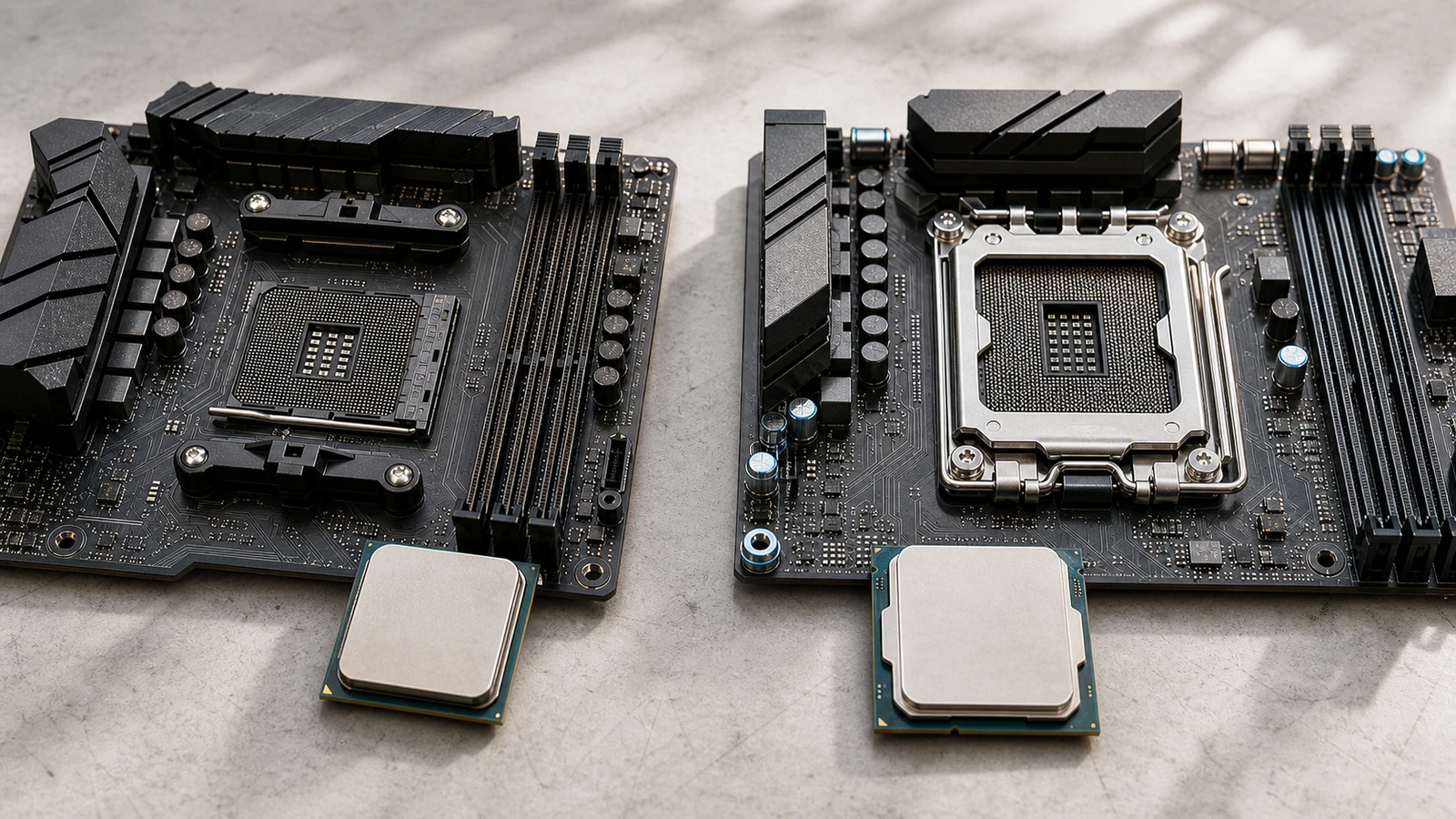
AM4 or AM5 in Morocco: which platform should you choose?
Compare total costs, immediate performance and upgrade options before choosing a platform.
Gaming PC for 5,000 MAD in Morocco: where to allocate your budget
Compare an upgradeable base system with a dedicated-GPU build using actual available offers without sacrificing essentials.