
Gaming PC for 10,000 MAD: performance or upgradeability?
Compare a GPU-first build with a platform-first build without assuming specific FPS or permanently available models.
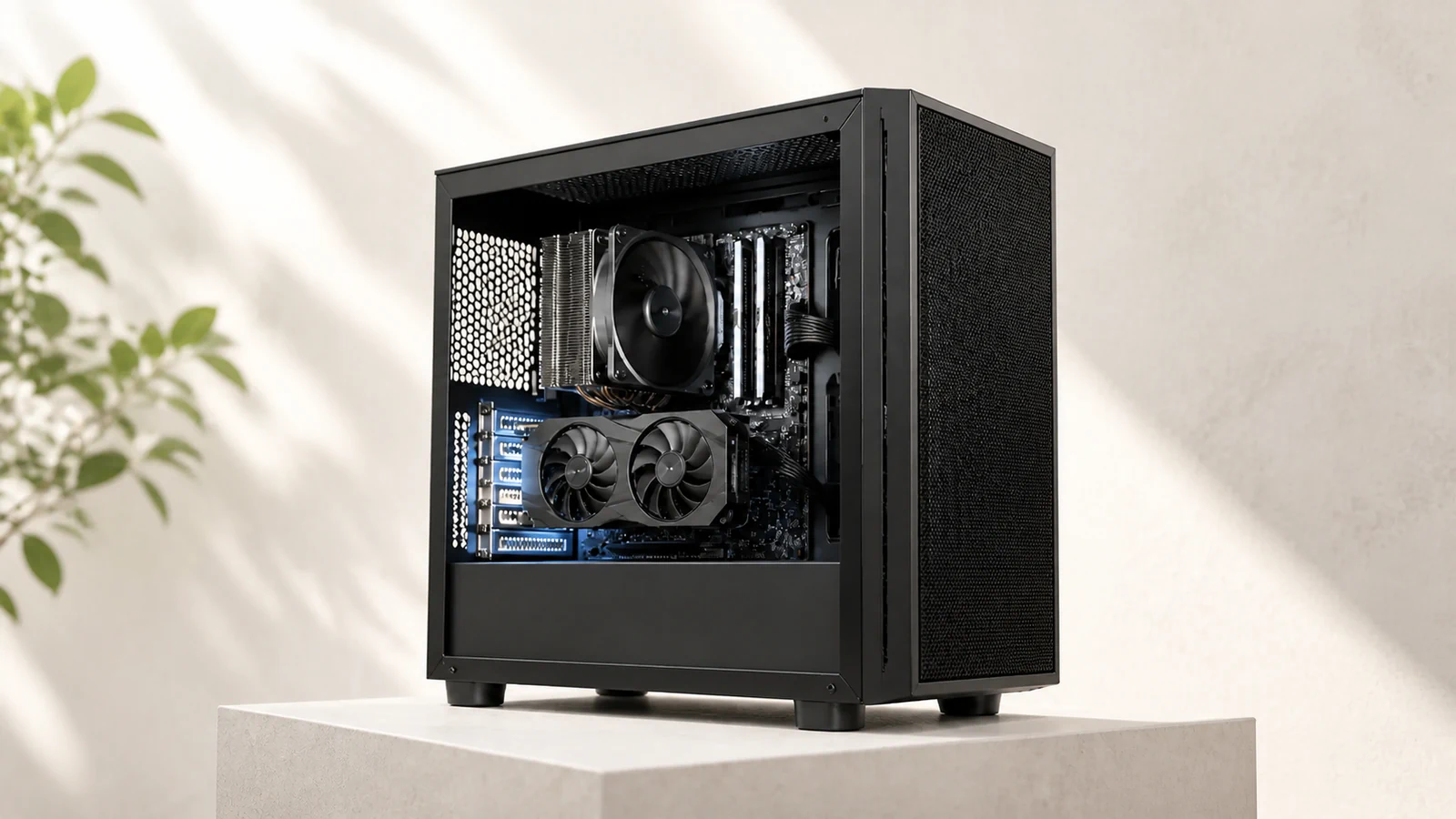
Verdict: compare two complete builds at the same budget
At 10,000 MAD, the useful question is not which component generation to buy but what you actually gain by spending more on the graphics card versus the platform. Build one basket for immediate gaming performance and another for future upgrades, then compare their GPUs, measured performance in your games and total costs.
1440p may be a sensible target with some combinations, but the budget alone guarantees neither resolution, refresh rate nor settings; results depend on the components and game.
Two complete-basket strategies
AM4 can reduce platform cost and free money for other components. AM5 uses DDR5, and AMD announced socket support through 2029. The value of either option depends on the total price and the GPU performance tier actually made possible.
| Decision | Immediate-performance basket | Upgrade-oriented basket |
|---|---|---|
| Platform | e.g. Ryzen 5 5600 + AM4 board + DDR4 | e.g. Ryzen 5 7600 + AM5 board + DDR5 |
| Graphics card | Spend remaining budget on the strongest suitable GPU | Try to keep the same GPU tier |
| Memory | Capacity based on games and workload | Capacity based on games and workload |
| Storage | Size for your game library | Size for your game library |
| Decision test | Choose if the stronger GPU measurably benefits your workload | Choose if future upgrade flexibility justifies cost without excessive GPU compromise |
Choose a GPU using measurements, not a budget percentage
Allocating a fixed 40–50% of the budget to the GPU can become a bad rule when a discount or platform price changes. Instead, compare GPUs that actually fit the full basket, looking at performance in your games, VRAM, power use, dimensions and current local pricing.
Our graphics-card guide explains the method, and the catalogue lets you verify current offers.
16 GB or 32 GB RAM: match the workload
The right memory capacity depends on your games, mods, multitasking and software used alongside gaming. Compare available kit prices and check whether a larger kit would force a meaningful downgrade to the GPU or another essential component.
Do not describe any RAM capacity as an automatic requirement for 1080p or 1440p: screen resolution by itself does not determine system memory needs.
Final checklist before ordering
- Confirm the exact graphics-card model, VRAM and physical dimensions.
- Check the PSU wattage and power connectors required for that GPU model.
- Compare full CPU + motherboard + RAM price, not only the processor.
- Size your SSD for your library and future expansion.
- Verify each offer's retailer, stock and update date.
- Recreate the basket in the configurator to catch obvious incompatibilities before buying.
A single discount is worthwhile only if the whole PC remains balanced, compatible and within budget.
Current market
Verified catalogue price examples
These references help compare processor and graphics-card costs. They are not complete PC builds or fixed recommendations.
Each observed minimum price is for one specific product and retailer, excluding every other PC component. A complete build at this budget is not guaranteed. Verify stock, sellers and compatibility before buying.
Sources et méthodologie
Les deux paniers sont des cadres de décision éditoriaux, pas des promesses de performance. Les caractéristiques AM4/AM5 sont vérifiées chez AMD, tandis que le prix réel de la plateforme et du GPU doit être contrôlé dans les offres PCBuilder au moment de l’achat.
- Source primaire : AMD Ryzen 5 5600 — spécifications officielles — AMD. Le Ryzen 5 5600 utilise le socket AM4, la DDR4 et dispose de six cœurs / douze threads.
- Source primaire : AMD Ryzen 5 7600 — spécifications officielles — AMD. Le Ryzen 5 7600 utilise le socket AM5 et la mémoire DDR5.
- Source primaire : AMD Socket AM5 Chipsets — AMD. Documente la plateforme AM5, la DDR5, les chipsets et les considérations de compatibilité BIOS.
- Source primaire : AMD Computex 2026 — support du socket AM5 jusqu’en 2029 — AMD. Confirmation officielle de l’extension du support du socket AM5 jusqu’en 2029.
- Méthodologie PCBuilder : Méthodologie de relevé et suivi des prix — PCBuilder Maroc. Explique comment PCBuilder collecte, date et affiche les offres des revendeurs suivis.
- Données PCBuilder : Catalogue processeurs — offres actuelles suivies — PCBuilder Maroc. À utiliser pour vérifier les prix et disponibilités actuels au Maroc au moment de l’achat.
- Données PCBuilder : Catalogue cartes graphiques — offres actuelles suivies — PCBuilder Maroc. À utiliser pour vérifier le modèle, le vendeur, le prix et la disponibilité actuels au Maroc.
Other recommended guides
Which gaming PC should you choose in Morocco for your budget?
How to divide your budget between graphics, CPU, memory and storage without creating an unbalanced build.
Gaming PC for 5,000 MAD in Morocco: where to allocate your budget
Compare an upgradeable base system with a dedicated-GPU build using actual available offers without sacrificing essentials.
Gaming PC for 7,000 MAD: balancing a 1080p build
Compare complete builds and protect the GPU budget without treating a suggested 1080p configuration as an FPS guarantee.